
Over the years, I’ve used a number of different tools to manage my to-do list. Some have been paid, some free, and of course I’ve also used pen and paper.
But I’ve often become frustrated that none of them worked quite how I wanted. Some had too many features. Others were missing the simple things I needed. Most felt like I was adapting my workflow to fit the tool, rather than the other way around.
Recently, I’ve been experimenting with building my own productivity tool using Perplexity AI.
It started with a simple idea: I wanted a private planner that combined tasks, priorities, calendar days, and daily notes. I also wanted a clean layout that felt simple and easy to use.
The result is Triage, a name suggested by AI based on my initial prompt.
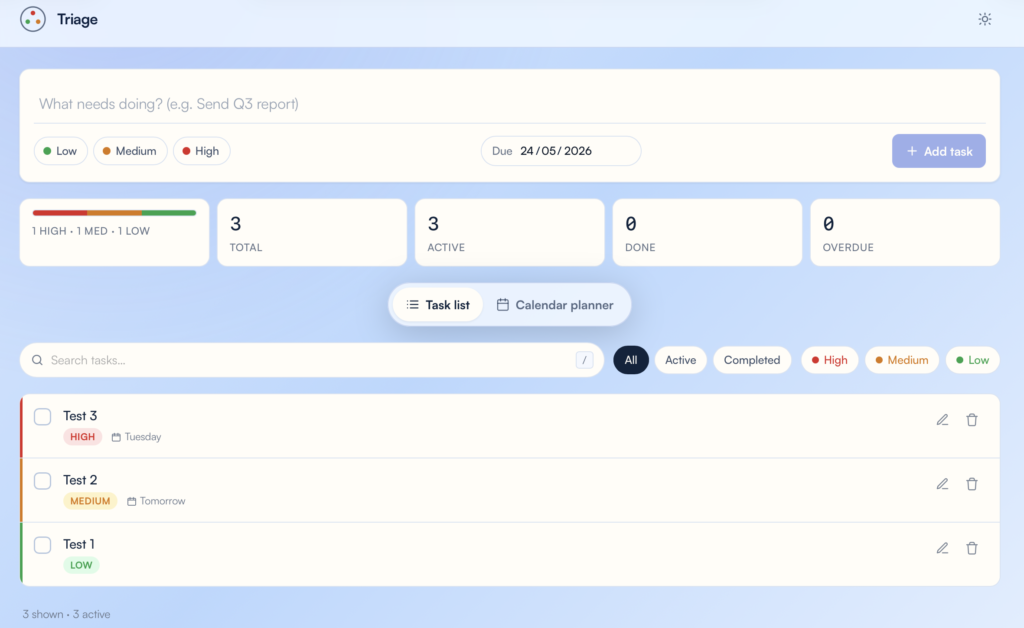
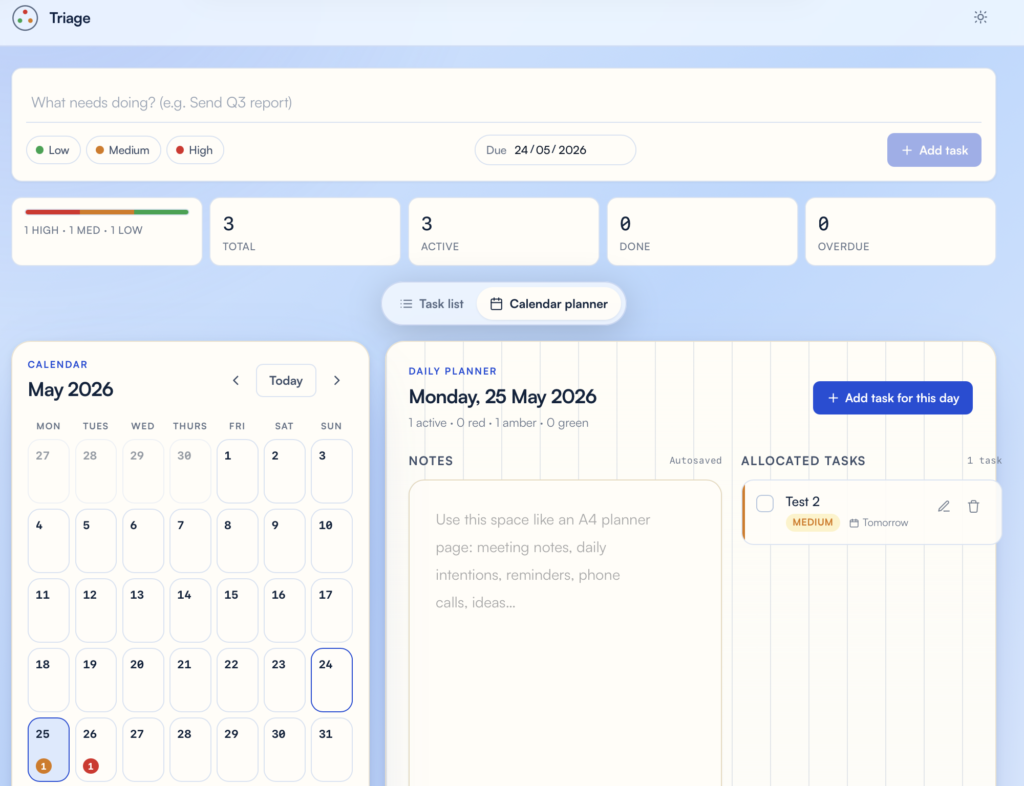
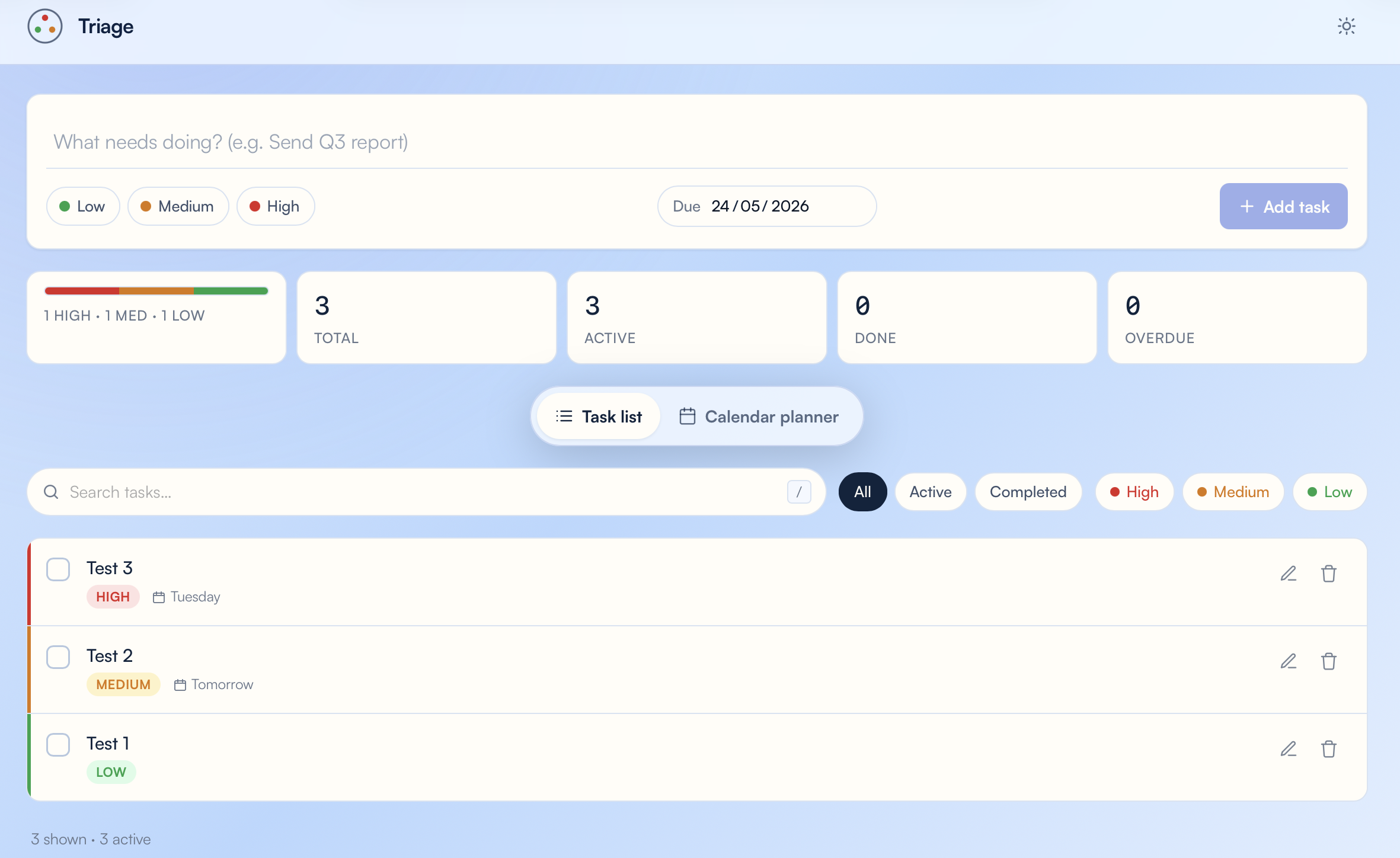
Triage now includes:
- RAG-rated tasks: red, amber, and green
- A calendar planner view
- A large daily notes area
- Private access through my website
- Sync across devices
The beauty of this is that I can test Triage in real life, notice what needs improving, and then use AI to update the design or add features without starting again.
No coding. No technical knowledge. Just Perplexity AI, a clear idea, and my website to host it privately.
It started with a simple prompt, followed by a few minor tweaks through further prompts. From there, I was able to upload it and start using it as my own private planning app.
I think this is where AI-assisted software gets interesting: not just building apps, but continuously adapting them around how we actually work.
It really wasn’t difficult. Give me a shout if you have any questions or would like to know more about how I made it. This isn’t a sales pitch, just my own productivity tool.